Deploying Local Versions
"Want to see your changes on your local version before creating a pull request?"
Compendium & GITCG
For the compendium or the GITCG deck site, you want to open your project in Visual Studio Code from GitHub Desktop. Then, you will want to open Terminal.
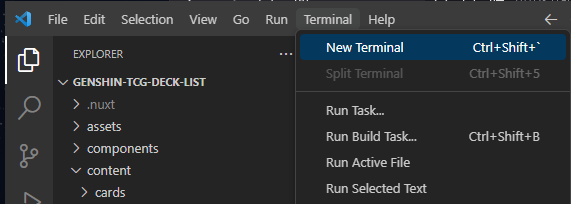
In your terminal, you will want to run the following. Only once, should install the dependencies for the project. You don't need to do this everytime.
npm install
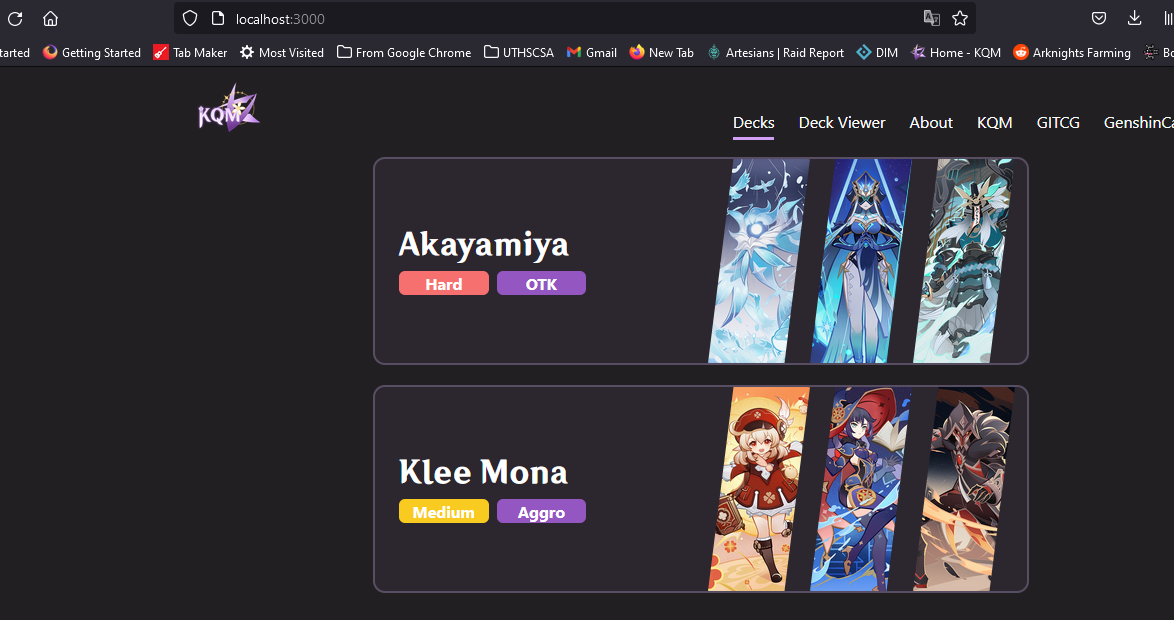
You can run the project locally on localhost:3000. Changes made and saved on Visual Studio Code will appear on the local version that you can access at localhost:3000 in your browser.
npm run dev
Library Local Versions
Similiarly, you can use npm to start a local version of the Theorycrafting Libraries. You want to open your project in Visual Studio Code from GitHub Desktop. Then, you will want to open Terminal.
In your terminal, you will want to run the following. Only once, should install the dependencies for the project. You don't need to do this everytime.
npm install
You can run the project locally on localhost:3000. Changes made and saved on Visual Studio Code will appear on the local version that you can access at localhost:3000 in your browser.
npm run start